
See competitor ads, positioning, and gaps before you refresh creative
WeThryv pulls competitor signals, SWOT-style framing, and positioning notes, so your team can differentiate with evidence instead of guesswork.
From copying rivals to competing with a sharper story
You’re guessing while competitors keep publishing
Most teams “watch competitors” in scattered tabs, ad libraries, landing pages, emails, with no structured view of angles, offers, or risks. Messaging becomes reactive: you mirror claims you half understand, differentiation weakens, and every refresh turns into opinion fights instead of decisions anchored in evidence.

Structured competitor intelligence you can brief from
Pull competitor signals, ads and SWOT-style positioning inputs, into one workflow so you see patterns fast. Compare framing, spot crowded angles, and brief campaigns with clearer differentiation instead of guessing what the market already believes.
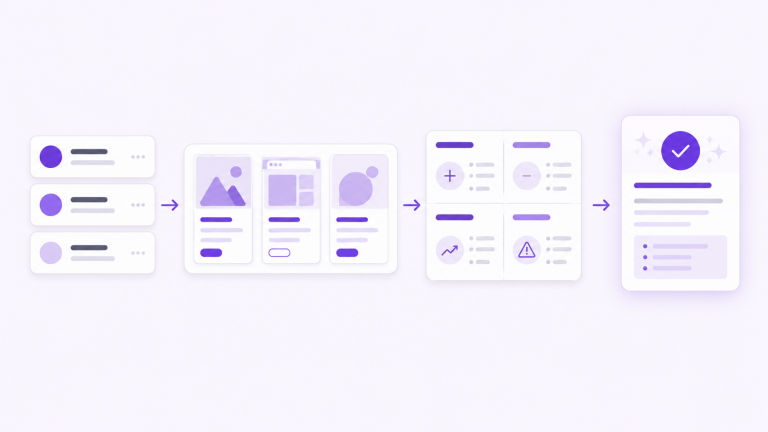
See each competitor’s site story, page by page
Open Website & positioning for an overview plus page-by-page detail, so you understand how rivals frame offers, proof, and objections instead of skimming one homepage line
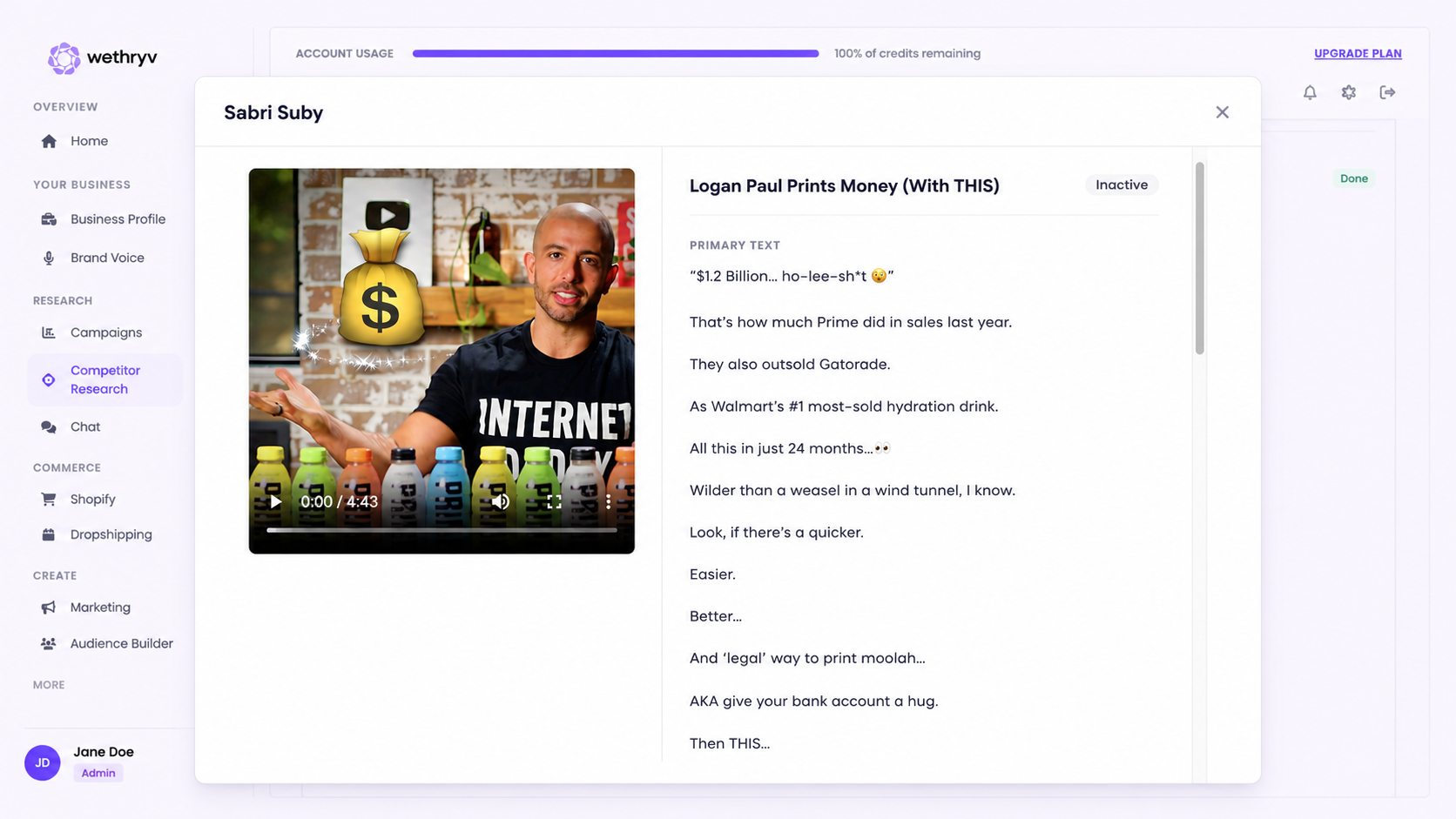
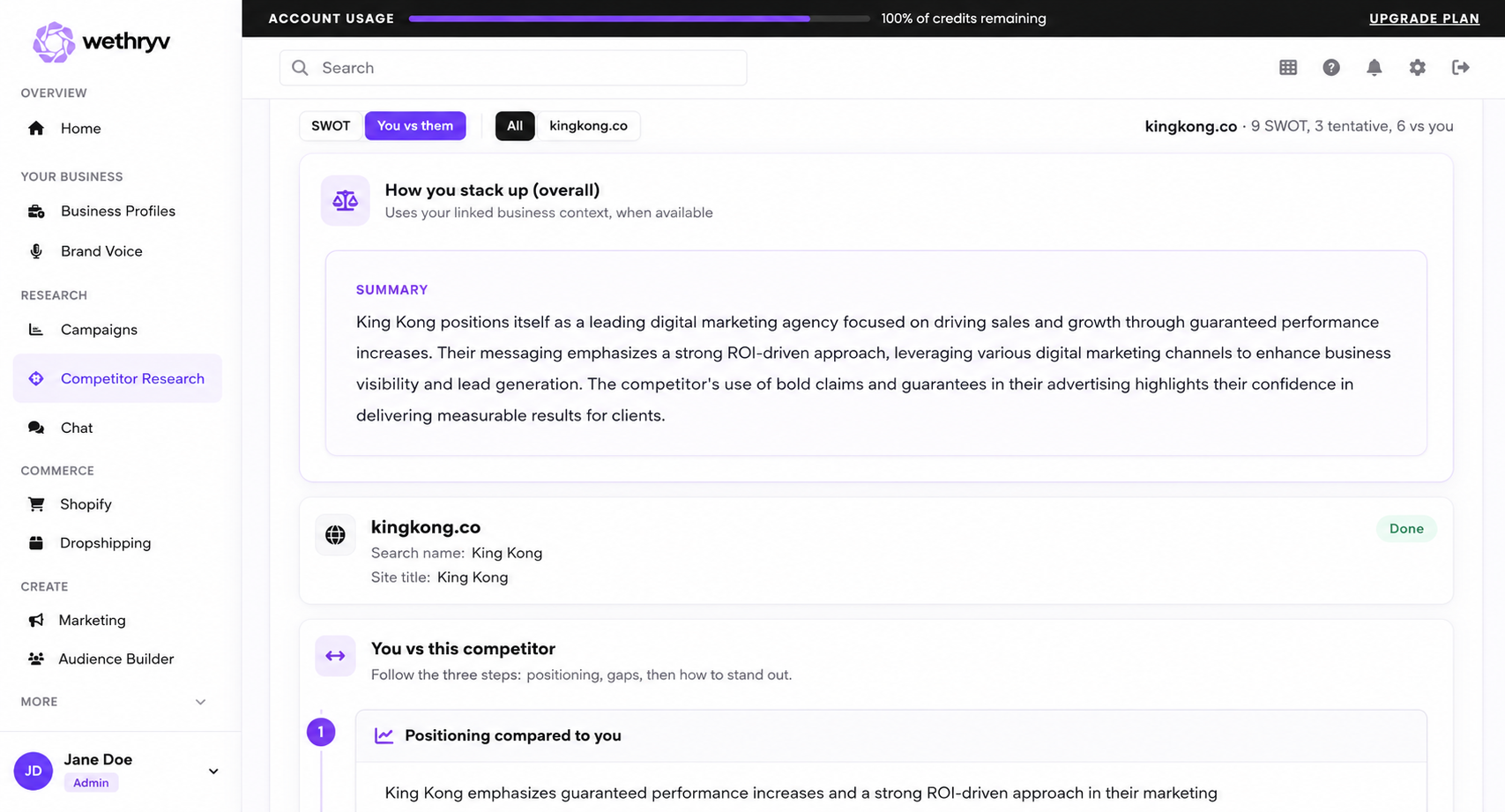
Compare you vs each competitor in one view
Use Insights & comparison for SWOT-style signals and you-vs-competitor framing when the run has finished, so differentiation is explicit.
Follow the ad click through to on-site copy
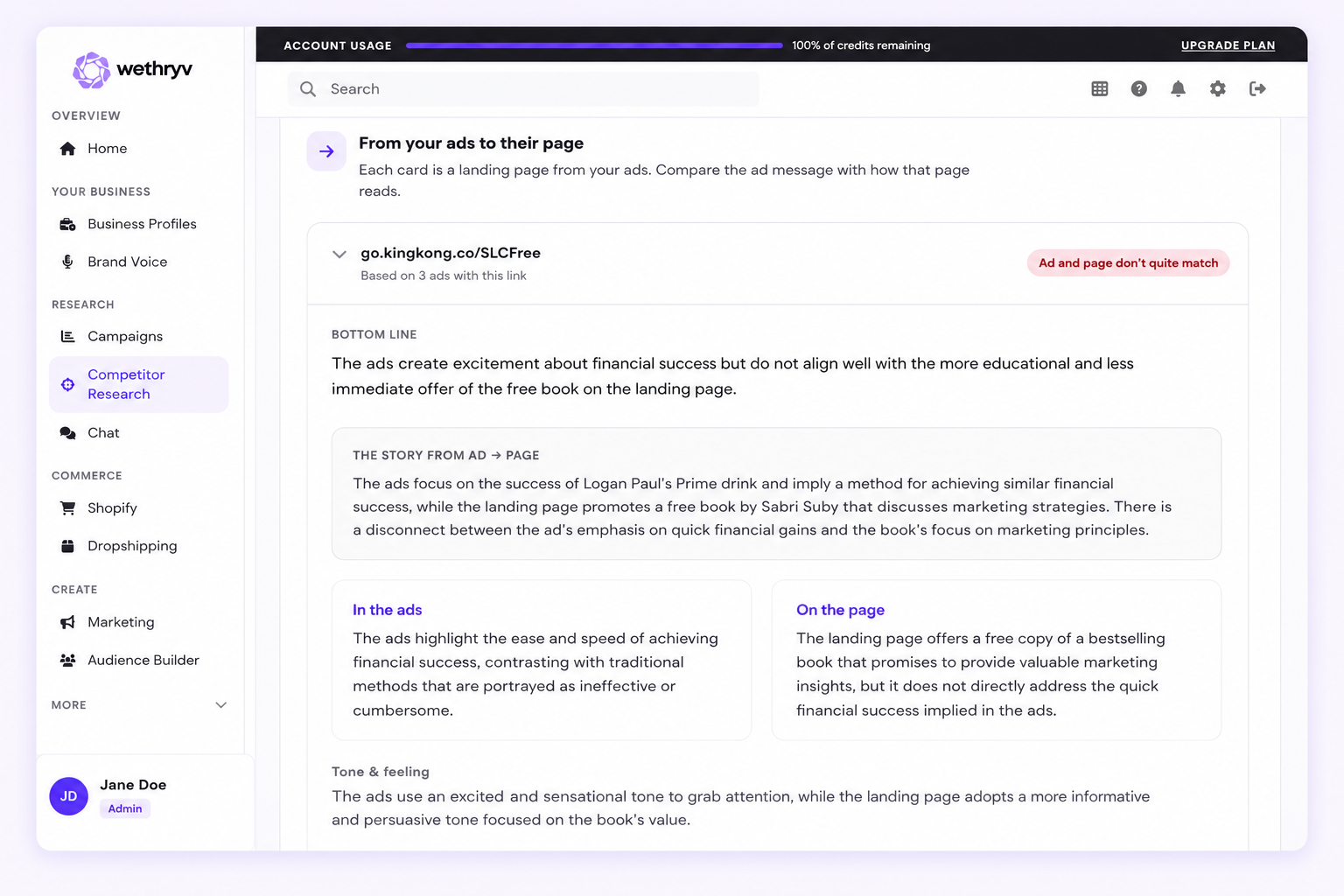
Start in Ad creatives for Meta ads, then use Website & positioning to see ad-to-page paths, so you can read the full funnel from hook to landing message and spot where your story can win.
Built for teams that need competitive clarity before they spend Intro
One run captures rival ads, site paths, and SWOT gaps—brief teams with evidence.
SMB owners
Ecommerce / dropshipping
Agencies

“I couldn’t recommend this app more. For a small coffee sacrifice per week, I’ve quadrupled my revenue and I’m on track to being able to pursue this FULL TIME.”
Founder of Koi Koi Droplets
Everything you need to know about Competitor Research
1. What is a competitor research run?
A run is a structured analysis of the competitors you add by website/domain. WeThryv collects Meta ad creatives, website and positioning signals, and related traffic momentum context so you can compare positioning in one place instead of chasing tabs.
2. What do I need to start?
Add each competitor’s website URL or domain, then start the run. Optional fields (like brand or search phrase and countries for ads) help match how competitors show up in ads and markets.
3. How many competitors can I include?
Each run supports up to the maximum number of competitor targets shown in the setup UI (the product enforces a per-run cap when you add tags).
4. What will I see when the run finishes?
Use three results views: Ad creatives for ads, Website & positioning for an overview plus ad-to-page paths and page-level detail, and Insights & comparison for SWOT and you-vs-competitor insights when the run completes.
5. Is this “spyware” or allowed competitive research?
WeThryv is built to analyze publicly visible marketing surfaces competitors use (ads and website positioning). You should still follow applicable laws, platform terms, and your own company policies when using competitive intelligence.
6. What if two competitors look similar in results?
Refine optional brand / search phrase inputs and rerun. Better matching inputs usually improves how ads and positioning are attributed.
7. How should I use this in a campaign brief?
Export or copy the key takeaways from Website & positioning and Insights & comparison into your brief—especially differentiated claims, repeated angles, and “you vs them” gaps—then hand that to copy and media teams.
8. What if a run fails or looks incomplete?
Open the run to read the error message (if shown), adjust targets or optional settings, and start a new run. If something looks missing, verify the competitor domains resolve to the brands you intended.