
From messy targeting lists to audiences your Meta and Google Ads can use
Stop guessing who to target: map the businesses that fit your ICP, export Meta-ready lists and a full spreadsheet for Google Ads and prospecting.
From messy targeting lists to audiences your Meta and Google Ads can use
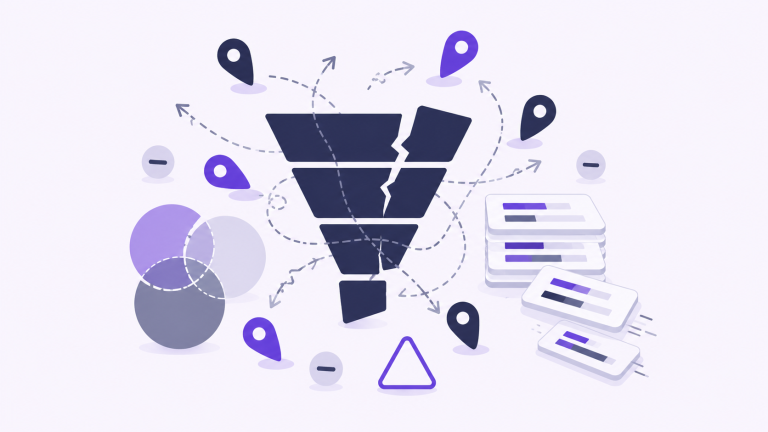
Uploading “everyone nearby” burns budget and skews learning
Most teams either buy broad interest stacks that do not match their ICP, or export messy spreadsheets where phones, suburbs, and company names never line up with what Meta and Google Ads expect. You end up with small sample sizes, weak match rates, and creative that never gets a fair test, because the audience was never the real audience.
Map real businesses, then export lists your channels can ingest
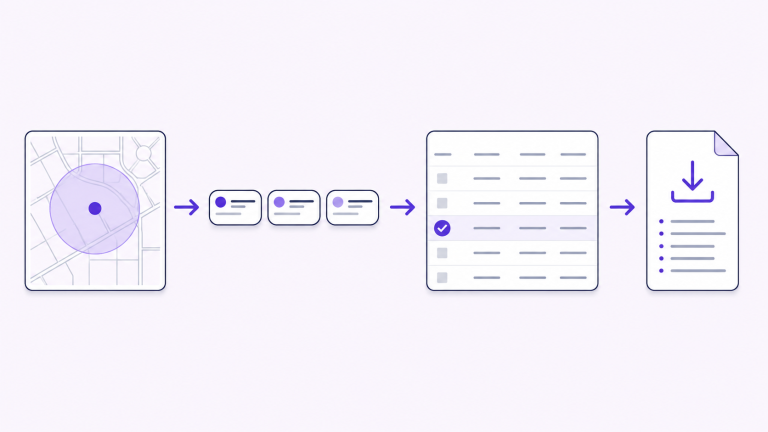
Define locations and radii on a map, filter by business type from OpenStreetMap, and review the companies that actually sit inside your geography. Download a Meta-ready Custom Audience file with normalised phone numbers, and a full CSV for Google Ads workflows, outbound, and CRM, so paid social, search, and sales are briefing from the same list, not three different tabs.
Name your audience search and choose where to look
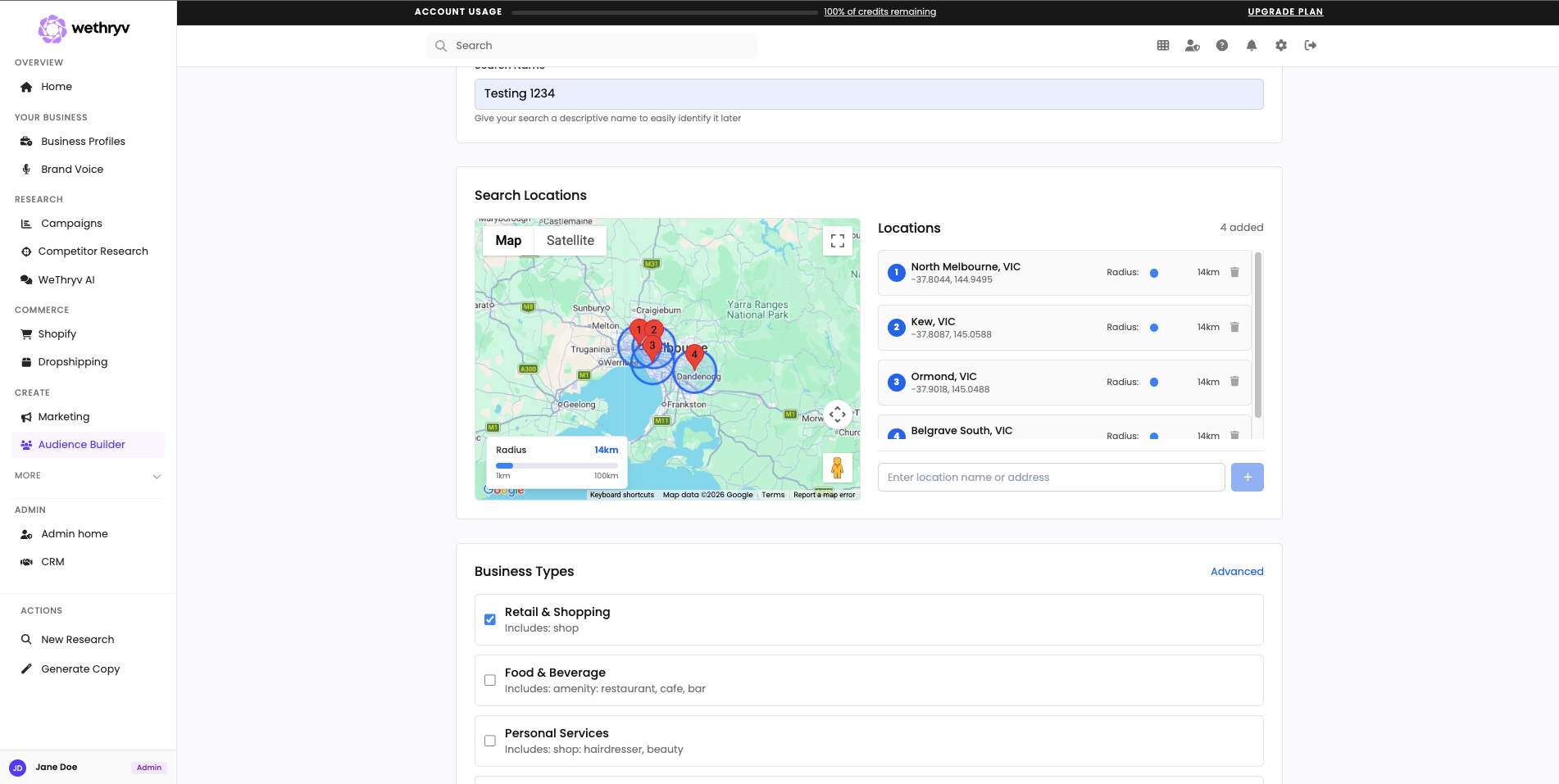
Open Audience Builder and give the search a clear label your team will recognise later. Add one or more locations on the map, set the radius, and pick the business types that match the companies you want in your custom audience builder for Meta and Google Ads workflows.
Confirm the businesses that actually sit inside your map
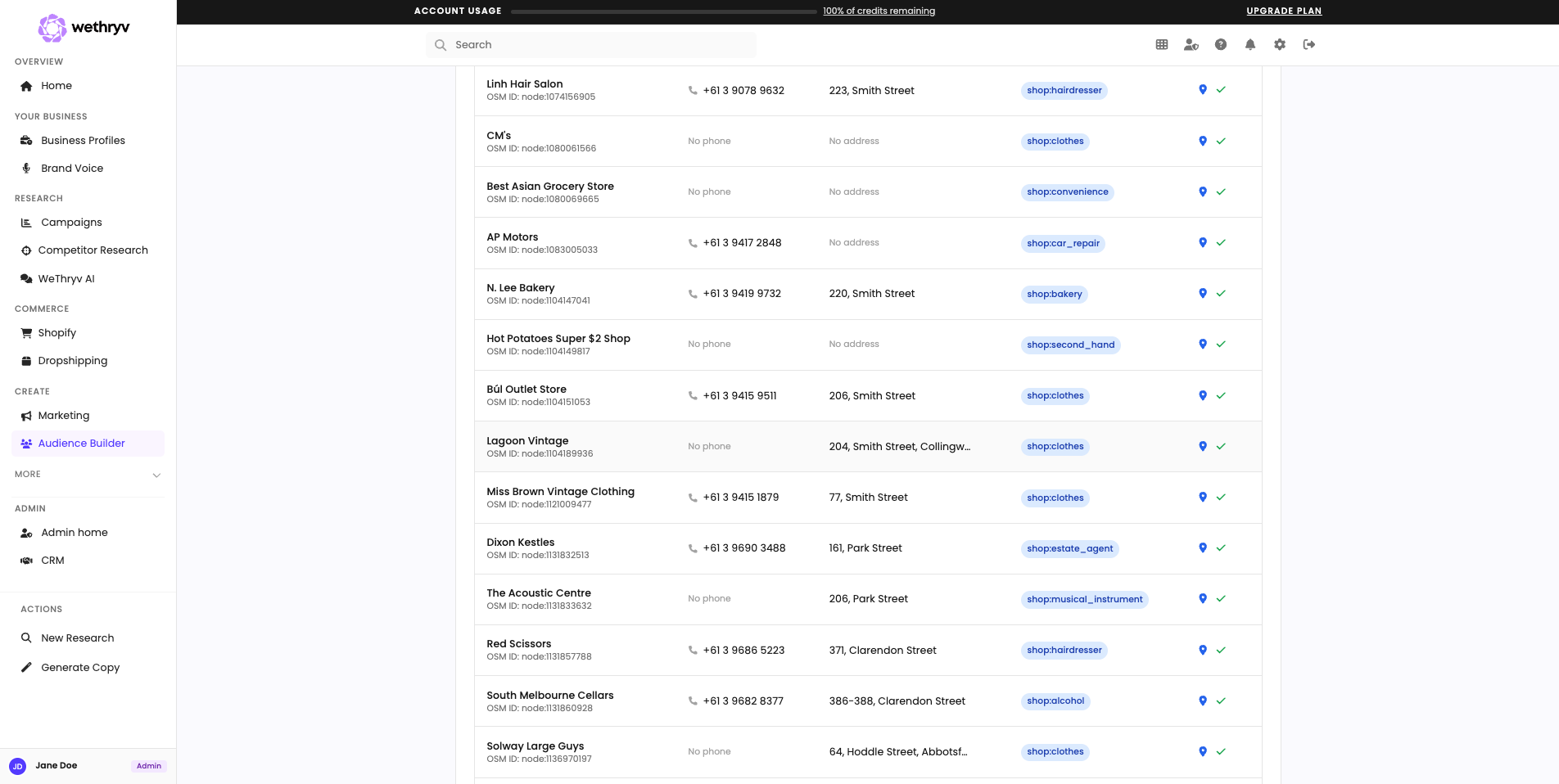
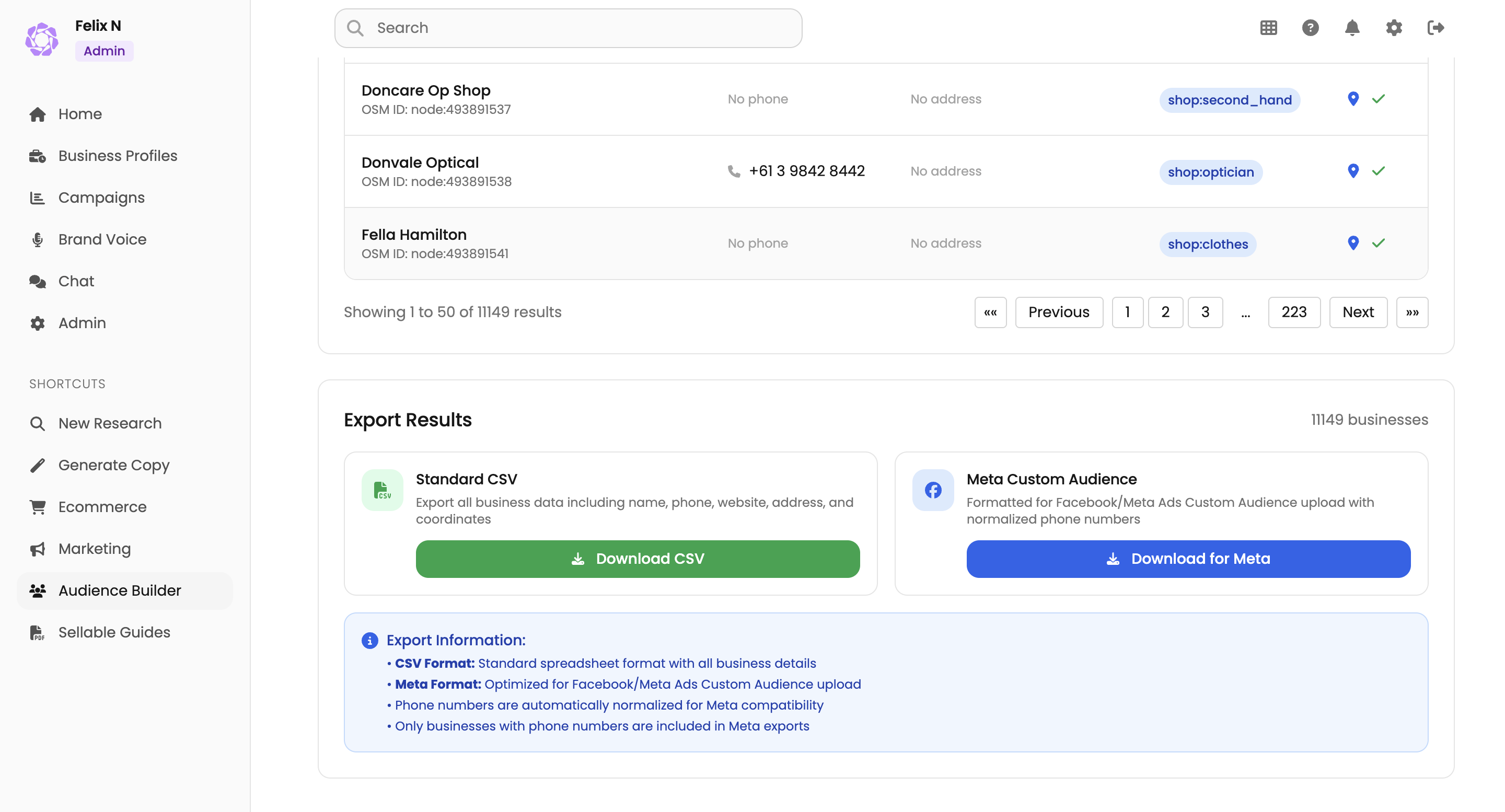
Run the search and scan the results table: names, phones, websites, and addresses pulled. This is the moment you sanity-check coverage, so the list you export matches the geography and categories you intended, not a generic interest stack.
Download Meta ready lists and a full CSV for everything else
Export Results to grab a Meta Custom Audience file with normalized phone numbers, plus a standard CSV with the full business fields for Google Ads prep, outbound, and CRM. Your paid media and sales workflows can finally share one source of truth.
Built for teams that live in Ads Manager, and still need a list that matches reality
When interest stacks and lookalikes are too broad, Audience Builder gives you a geography first list of real businesses you can export for Meta and reuse as structured data everywhere else your campaigns run.
Local and regional B2B operators
In-house performance marketers
Agencies managing multiple brands

“I couldn’t recommend this app more. For a small coffee sacrifice per week, I’ve quadrupled my revenue and I’m on track to being able to pursue this FULL TIME.”
Founder of Koi Koi Droplets
Everything you need to know about Audience Builder
1. What is Audience Builder in WeThryv?
Audience Builder helps you discover real local businesses inside the areas you define on a map, using OpenStreetMap data and filters you choose. It is designed for teams that want a concrete list they can brief from, export, and upload into paid media workflows, instead of relying on broad “interest” guesses.
2. How is this different from Meta’s audience suggestions—or doing it manually in Maps?
Meta’s suggestions are built for scale, not for “these exact businesses in this exact geography.” Audience Builder starts from locations + radius + business categories, then returns a structured table you can review. You still make the strategic calls, but you are not manually copying pins into a spreadsheet at midnight.
3. What do I need before creating an audience search?
You mainly need where you want to look (one or more areas and radii) and what kinds of businesses count as a match (the category filters). A clear search name helps your team find the run later, especially if you manage multiple territories or clients.
4. What files can I download when a search finishes?
You can download a standard CSV with business fields like name, phone, website, address, and coordinates. You can also download a Meta Custom Audience, style CSV formatted for upload workflows, with phone numbers normalised. Meta-oriented exports are phone-led, so rows without a usable phone will not behave like a strong match list.
5. How long does an audience search take?
Time depends on how large the geography is, how dense the area is, and how many businesses match your filters. Many searches complete in minutes, but wide regions or “noisy” categories can take longer. Your results screen should reflect progress and the final count once processing finishes.
6. Can I reuse a search or repeat the workflow for another area?
Yes, think of each run as a saved artifact your team can return to. When you expand into a new suburb, add a new territory, or onboard a new client brand, you repeat the same steps (map → filters → review → export) so quality stays consistent.
7. Is Audience Builder only for ecommerce brands?
No. It is especially strong for local and regional B2B targeting (offices, clinics, professional services, trades, and other businesses commonly represented in Maps). If you sell nationwide DTC to consumers, you may still get value for local retail footprints, but the sweet spot is businesses you can point to on a map.
8. What if results look thin, wrong, or missing obvious businesses?
OpenStreetMap coverage varies by region and how businesses are tagged, so gaps can happen, that is normal for any real-world dataset. If results feel off, widen or shift the radius, adjust categories, add another location bubble, or try a nearby area. If something looks like a data error (wrong phone, outdated listing), treat exports as a starting list and apply your team’s normal QA before uploading or contacting leads.